

Improve visibility, align workflows, and reduce operational errors with construction ERP software

Download the Threadkore App Now!

A superintendent approves a material order based on one spreadsheet. Purchasing works from a different version. Meanwhile, the project team updates the schedule in a separate system. By the time the discrepancy surfaces, crews are idle, materials are misplaced, and project costs have already increased.

This scenario is more common than many construction firms realize. Research shows that construction professionals spend more than 14 hours every week searching for information, resolving document issues, and reconciling outdated data, while poor communication and project data issues have been linked to billions of dollars in rework costs annually across the industry.

As projects become more complex, disconnected systems make it increasingly difficult for teams to trust the information guiding critical decisions. This is where modern construction ERP software creates a competitive advantage by establishing a single source of truth across departments.

In this blog post, we’ll explore how builders can eliminate data conflicts before they impact project outcomes.

Here are the key steps we will talk about to eliminate data conflicts:

  • Step 1: Implement Connected Data Environments
  • Step 2: Standardize Workflows and Data Semantics
  • Step 3: Leverage BIM and Visual Data
  • Step 4: Replace Spreadsheet with Real-Time Planning and Data Synchronization
  • Step 5: Foster a Culture of Cross-Team Communication

Step 1: Implement Connected Data Environments

How can connected data environments reduce data conflicts across construction teams?
A connected data environment centralizes project information, ensuring every team works from the same real-time data. This reduces conflicts, improves decision-making, and maximizes the value of construction ERP software across operations.

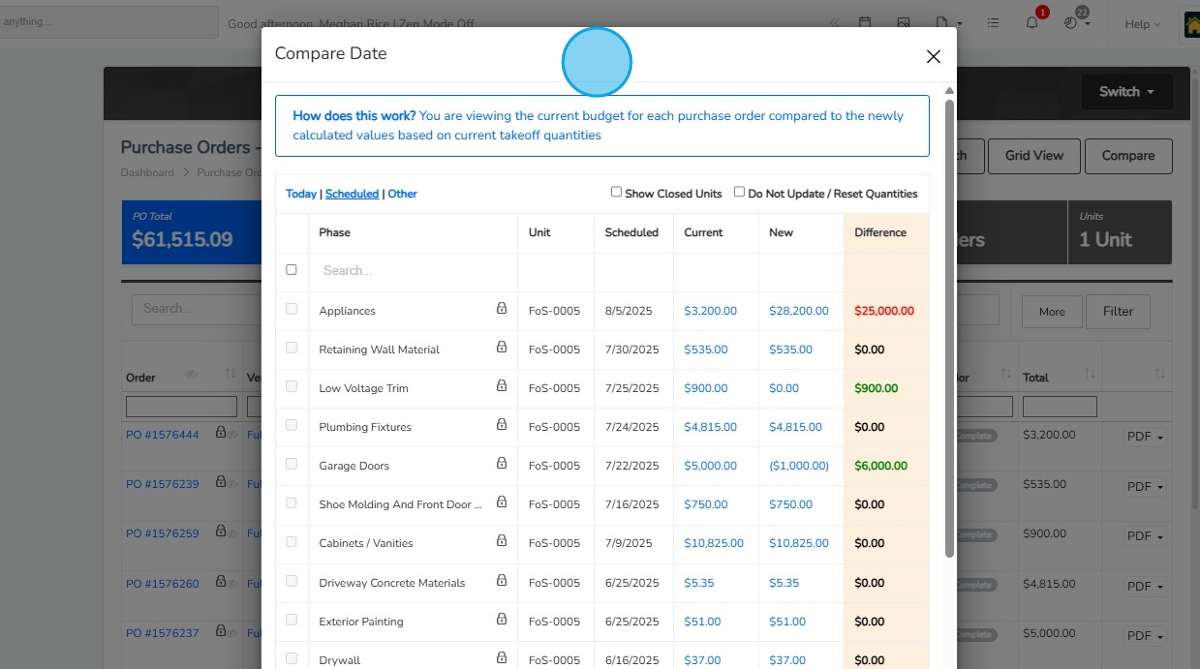
Disconnected systems often create multiple versions of the same information, leading to costly mistakes and delays. A connected data environment eliminates these issues by bringing project, financial, procurement, scheduling, and field data into one trusted source that every team can access.

Here’s how you can do it:

  • Centralize Project Information
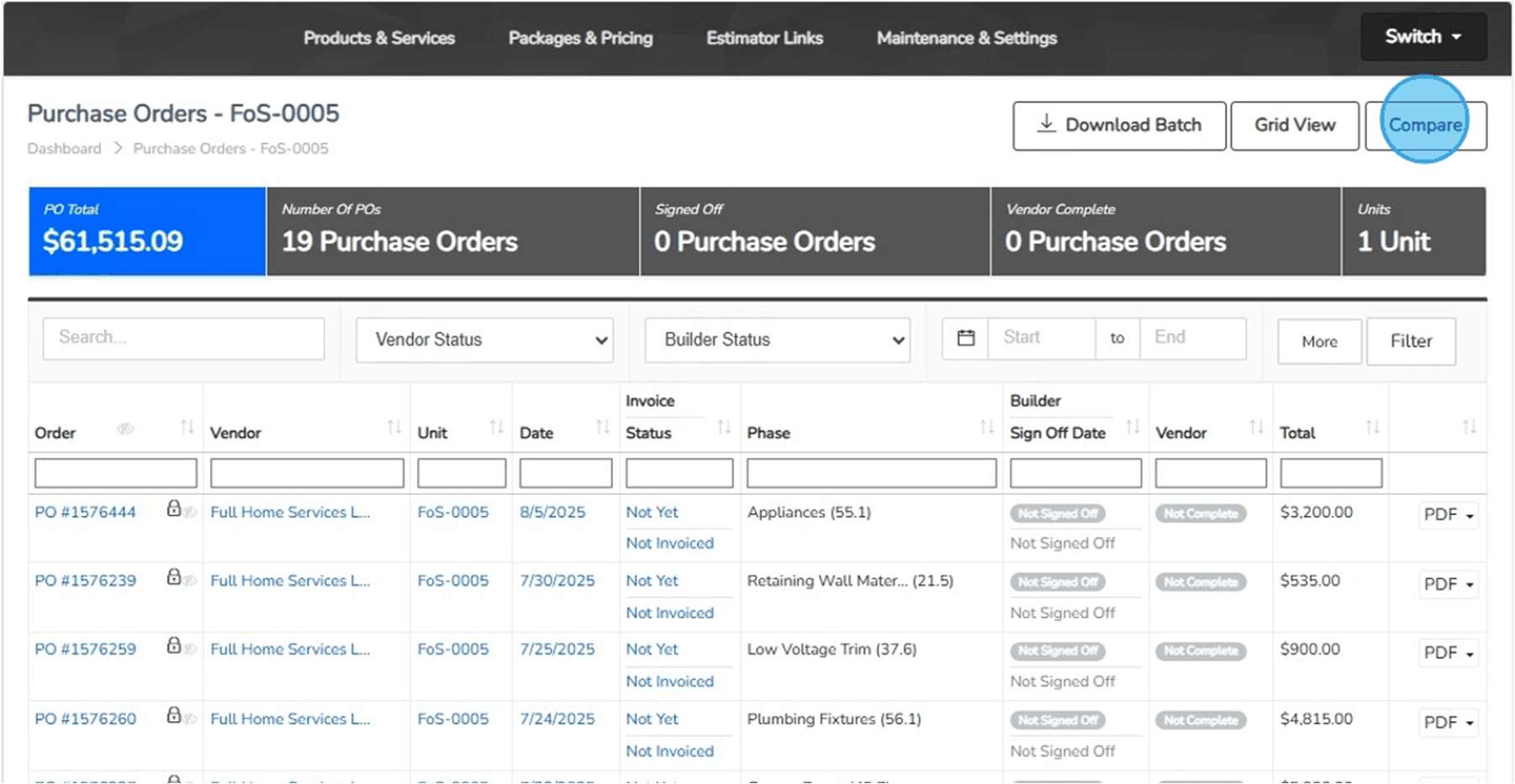
    Store schedules, budgets, purchase orders, drawings, and field updates in one platform. This ensures teams reference the same information instead of maintaining separate records.
  • Connect Department Workflows
    Link Design, Purchasing, Accounting, and Field Operations through shared processes. When one team updates information, relevant changes become visible across departments.
  • Enable Real-Time Access
    Give teams access to current project data wherever they work. Modern construction ERP software helps stakeholders make decisions using the latest available information.
  • Eliminate Duplicate Records
    Replace manual data entry across multiple systems with a unified process. Using the right ERP software for construction reduces inconsistencies caused by duplicate or outdated records.

Drawing from decades of homebuilding expertise, we’ve learned that profitable builders focus first on data alignment, not more data collection. When every team trusts a single source of truth, decisions become faster, conflicts decrease, and projects stay on schedule and budget.

Step 2: Standardize Workflows and Data Semantics

Digital dashboard displaying interconnected project data, analytics, and reporting metrics, representing standardized workflows, shared data definitions, and consistent information management across construction teams.

Standardized data and workflows create consistency across construction teams

Why are standardized workflows and data definitions important in construction?
Standardized workflows and data definitions ensure every team follows the same processes and interprets project information consistently. This eliminates confusion, reduces decision-making errors, and improves operational accuracy.

Even when teams have access to the same data, conflicts can still occur if departments use different processes, naming conventions, or reporting standards. Establishing consistent workflows and data semantics helps ensure information is captured, shared, and interpreted the same way across the organization.

Here’s how you can do it:

  • Define Common Data Standards
    Create organization-wide definitions for budgets, change orders, job phases, trade categories, and cost codes. When every department uses the same terminology, project information remains consistent from planning through closeout.
  • Establish Approval Frameworks
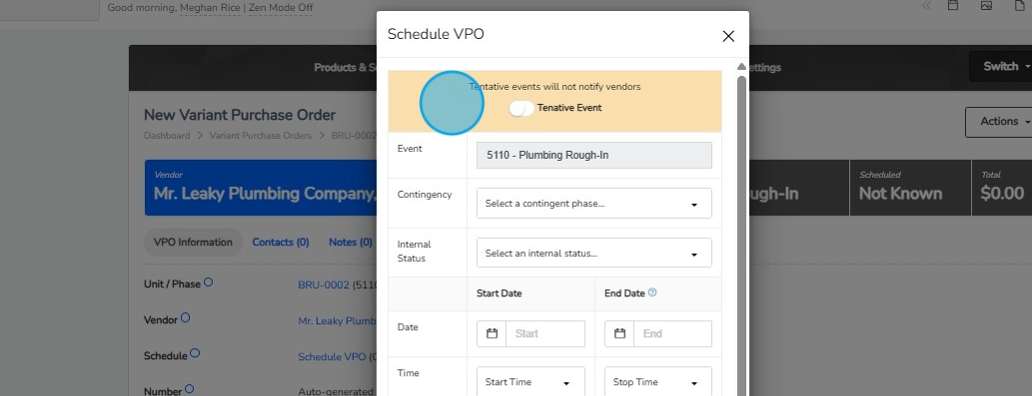
    Build structured approval paths for purchases, upgrades, schedule changes, and budget adjustments. This prevents unauthorized changes and ensures critical decisions follow a documented, repeatable process across every project.
  • Create Process Playbooks
    Document how key activities should be executed, including procurement, warranty management, buyer selections, and vendor onboarding. A well-defined playbook reduces process variations that often lead to conflicting project records and reporting discrepancies.
  • Govern Data Ownership
    Assign clear ownership for maintaining and validating specific data sets across departments. Modern construction ERP software becomes significantly more effective when accountability for data accuracy is clearly defined and enforced.

After working with homebuilders for decades, it is quite evident that data conflicts rarely start with technology; they start with inconsistent business practices. The most successful builders use construction ERP software to reinforce operational discipline, ensuring every team speaks the same language before decisions are made.

Step 3: Leverage BIM and Visual Data

How do BIM and visual data improve construction team coordination?
Building Information Modeling (BIM) and visual data help construction teams identify conflicts, validate decisions, and improve project coordination using shared visual context. This reduces misunderstandings and prevents costly execution errors.

Many data conflicts occur because teams interpret written reports, drawings, and specifications differently with an advanced construction ERP software. BIM and visual data provide a shared view of project conditions, helping stakeholders understand information faster and make decisions with greater confidence.

Here’s how you can do it:

  • Validate Designs Visually
    Use BIM models to review layouts, dimensions, materials, and construction details before work begins. Visual validation helps teams identify inconsistencies early, preventing expensive corrections during construction.
  • Detect Coordination Issues
    Analyze BIM models to identify clashes between structural, mechanical, electrical, and plumbing components. Resolving these conflicts before construction starts reduces delays, change orders, and field-level confusion.
  • Connect Field Reality
    Capture site photos, drone imagery, and progress documentation that can be linked directly to project records. When visual evidence supports project data, teams can verify issues quickly and make more informed decisions.
  • Improve Stakeholder Alignment
    Provide project teams, vendors, and decision-makers with visual project references instead of relying solely on reports. Integrated with construction ERP software, visual information becomes easier to access, understand, and act upon throughout the project lifecycle.

Visual intelligence becomes even more powerful when linked to schedules, budgets, procurement records, and field activities. This is where ERP software for construction helps connect visual insights with operational and financial decision-making.

Step 4: Replace Spreadsheet with Real-Time Planning and Data Synchronization

Professional reviewing spreadsheet reports on a desktop computer, representing the transition from manual spreadsheet management to real-time planning, synchronized project data, and connected construction operations.

Replace spreadsheets with synchronized data for faster project decisions

Why should construction companies replace spreadsheets with real-time data synchronization?
Replacing spreadsheets with real-time planning and synchronized data ensures all teams work from current information. This reduces reporting delays, prevents conflicting decisions, and improves project execution accuracy.

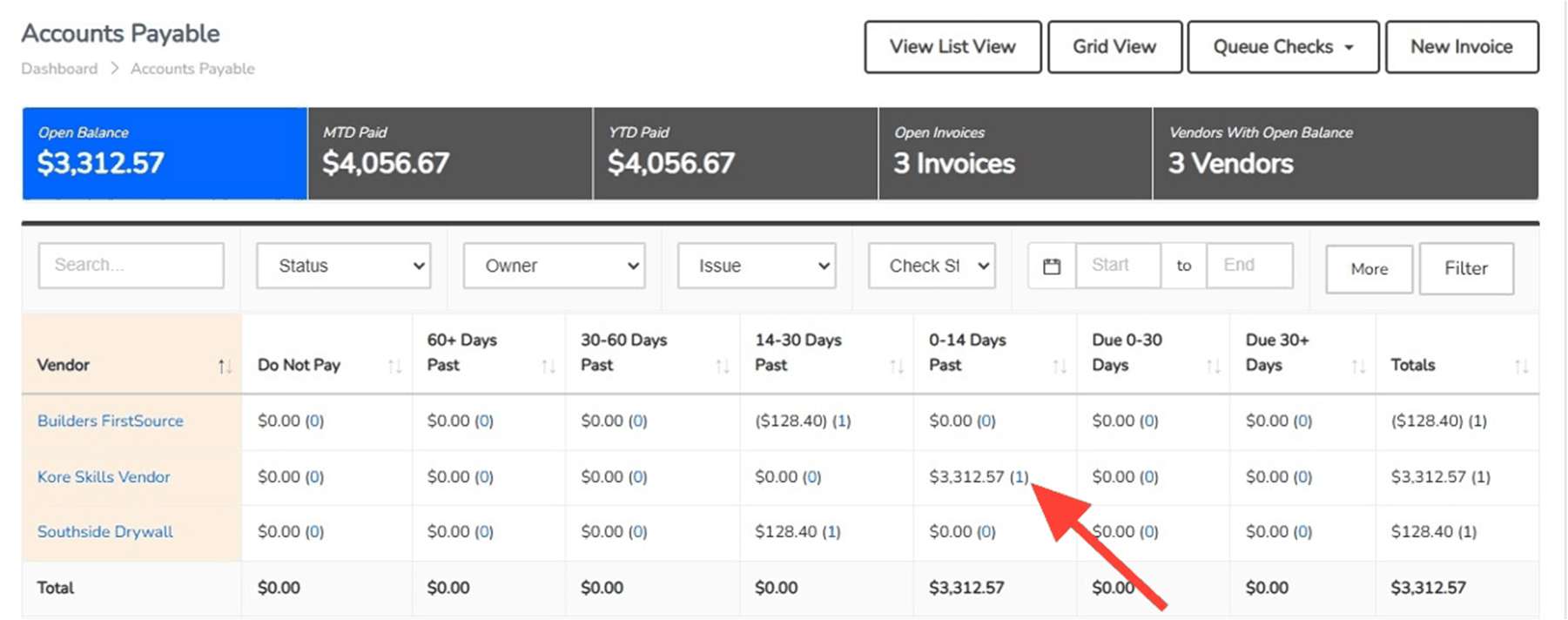
Spreadsheets may seem convenient, but they quickly become outdated when multiple teams make changes independently. Real-time planning and data synchronization create a live operational environment where schedules, budgets, procurement activities, and field updates stay aligned automatically.

Here’s how you can do it:

  • Automate Data Updates
    Eliminate manual transfers of information between departments and systems. Automatic updates ensure project changes are reflected instantly, reducing the risk of teams acting on outdated information.
  • Link Plans To Execution
    Connect project plans directly to procurement activities, field operations, labor schedules, and financial records. This ensures every operational decision reflects current project conditions rather than assumptions made weeks earlier.
  • Trigger Change Notifications
    Configure automated alerts when schedules shift, costs change, materials are delayed, or project milestones are adjusted. Timely notifications allow teams to respond immediately instead of discovering issues after they impact performance.
  • Monitor Live Performance
    Track project progress, costs, resource allocation, and schedule adherence through real-time dashboards. When integrated with construction ERP software, leaders gain immediate visibility into emerging risks and operational bottlenecks.

Across decades of helping builders improve operational performance, we’ve found that spreadsheets rarely fail because of formulas; they fail because they cannot keep pace with changing project realities. The best-performing organizations use construction ERP software to keep planning, execution, and decision-making connected at all times.

Step 5: Foster a Culture of Cross-Team Communication

How does cross-team communication help prevent construction data conflicts?
Cross-team communication ensures critical project information moves quickly between departments. Strong communication practices reduce data conflicts, improve accountability, and support better construction decision-making.

Even the best systems cannot prevent every data conflict if teams operate in isolation. Creating a culture of communication helps departments share context, raise concerns early, and align decisions before small issues become expensive project problems.

Here’s how you can do it:

  • Automate Data Updates
    Eliminate manual transfers of information between departments and systems. Automatic updates ensure project changes are reflected instantly, reducing the risk of teams acting on outdated information.
  • Link Plans To Execution
    Connect project plans directly to procurement activities, field operations, labor schedules, and financial records. This ensures every operational decision reflects current project conditions rather than assumptions made weeks earlier.
  • Trigger Change Notifications
    Configure automated alerts when schedules shift, costs change, materials are delayed, or project milestones are adjusted. Timely notifications allow teams to respond immediately instead of discovering issues after they impact performance.
  • Monitor Live Performance
    Track project progress, costs, resource allocation, and schedule adherence through real-time dashboards. When integrated with construction ERP software, leaders gain immediate visibility into emerging risks and operational bottlenecks.

Communication becomes significantly more effective when everyone has access to accurate information and clear responsibilities. This is where ERP software for construction supports collaboration by giving teams shared visibility into project activities and decisions.

Pro Tip: Treat Data Governance as an Operational Discipline

Eliminating data conflicts is not a one-time technology initiative. The most successful builders create processes and accountability structures that keep information accurate, aligned, and actionable across every project.

Do
Don’t
Assign clear data ownership.
Let multiple teams manage the same data.
Use construction ERP software as the single source of truth.
Rely on disconnected systems and records.
Track schedule, cost, and approval exceptions early.
Wait for overruns or delays to uncover issues.
Align Design, Purchasing, Accounting, and Field Operations regularly.
Allow departments to operate independently.
Document and communicate project changes immediately.
Manage changes through informal conversations.
Automate workflows with ERP software for construction.
Depend on manual updates and follow-ups.

Organizations typically see better results from construction ERP software when it is supported by clear processes, defined responsibilities, and consistent data management practices across teams.

The expansion didn’t disappear, it simply became smarter. Instead of rushing forward, Ryan adjusted timelines, stabilized operations, and refined projections. When the company eventually expanded, it did so with confidence rather than uncertainty.

Build Faster, Decide Smarter, and Eliminate Costly Data Conflicts

Business professional reviewing real-time digital dashboards and connected project data, representing unified construction operations, faster decision-making, improved visibility, and the elimination of costly data conflicts across teams.

Unified data empowers faster decisions and stronger construction performance

Data conflicts rarely begin with bad information; they begin when teams work from different versions of the truth. By connecting systems, standardizing workflows, leveraging visual data, replacing spreadsheets with real-time planning, and improving communication, builders can reduce errors, improve collaboration, and make faster decisions.

A modern construction ERP software platform supports these efforts by creating a consistent flow of trusted information across the organization. With the right strategy, teams can prevent issues before they affect schedules, budgets, and profitability.

ThreadKore helps homebuilders eliminate data silos by bringing projects, finances, scheduling, purchasing, field operations, and reporting into one unified platform. See how ThreadKore can help your team build faster, reduce rework, improve decision-making, and create a single source of truth across every stage of the homebuilding lifecycle.

Build Homes Faster and Scale Smarter With ThreadKore’s Construction ERP Software

Data conflicts don’t have to be an unavoidable cost of growth. When every team works from the same connected platform, builders can move faster, reduce costly mistakes, and make better operational decisions at every stage.

Key Takeways:

  • Centralize project data to eliminate conflicting information sources.
  • Standardize workflows to improve consistency across every department.
  • Use BIM models to identify issues before construction begins.
  • Replace spreadsheets with synchronized, real-time operational planning.
  • Strengthen collaboration between Design, Purchasing, Accounting, and Field Operations.

Eliminate operational silos, improve coordination, and scale your homebuilding operations with confidence.

Contact ThreadKore today!

FAQ

1. We already have software in place. How do I know switching won’t create even more disruption?


Most disruptions happen when teams are forced to work across disconnected systems. A phased transition to construction ERP software is usually less disruptive when processes are mapped first. The goal should be reducing operational friction, not simply replacing technology.

2. My team relies heavily on spreadsheets. Will they actually adopt a new system?


Adoption depends on whether the platform simplifies daily work. If people spend less time updating spreadsheets and searching for information, adoption tends to improve naturally. Effective ERP software for construction should support existing workflows while eliminating repetitive manual tasks.

3. How can I be sure the data is accurate enough to make important business decisions?


Data accuracy comes from consistent processes, clear ownership, and real-time updates. While advanced construction ERP software provides the visibility, controls, and automation needed to support accuracy, organizations still need strong data governance practices to maximize results. The focus should be creating one trusted source of information that every department actively maintains.

4. Will a unified platform really help reduce rework and costly mistakes?


Rework often happens when Design, Purchasing, Accounting, and Field Operations work with different information. When teams share the same data and workflows, issues are identified earlier. That’s where ERP software for construction can help improve visibility and coordination across projects.